4.7/5 rating on G2 and 4.8/5 Capterra
Native Agentic AI

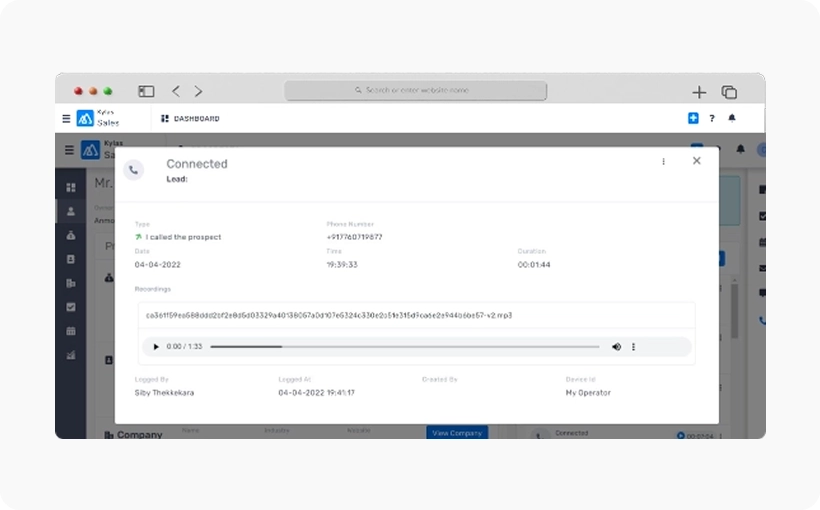
Don’t limit your communication with clients to only email or texts. Call them directly from Kylas CRM! Access and audit call recordings to improve your sales pitch too!




T&C apply*
Artistic Impression
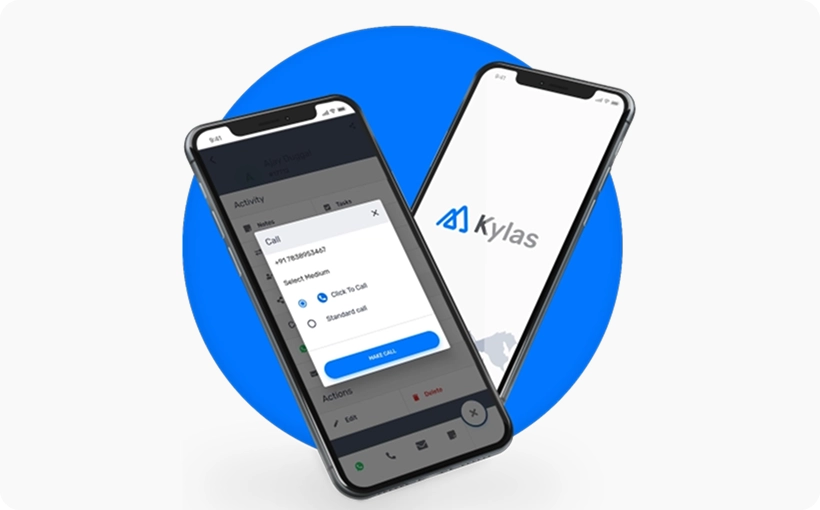
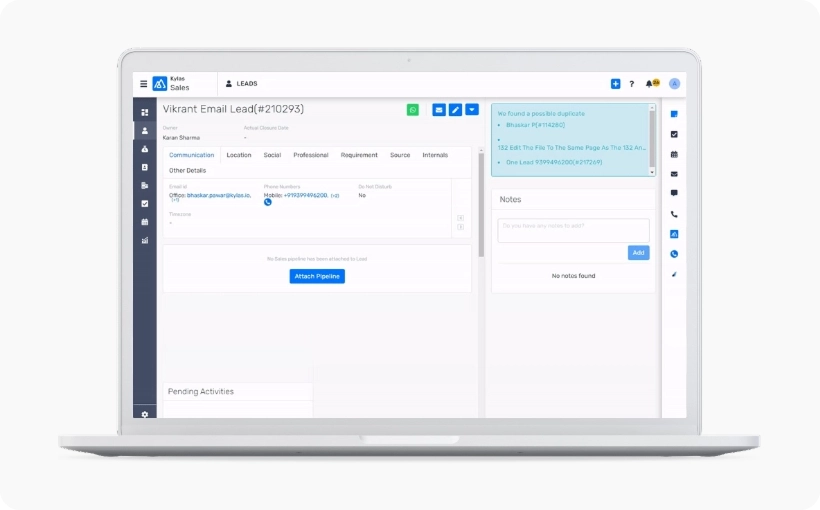
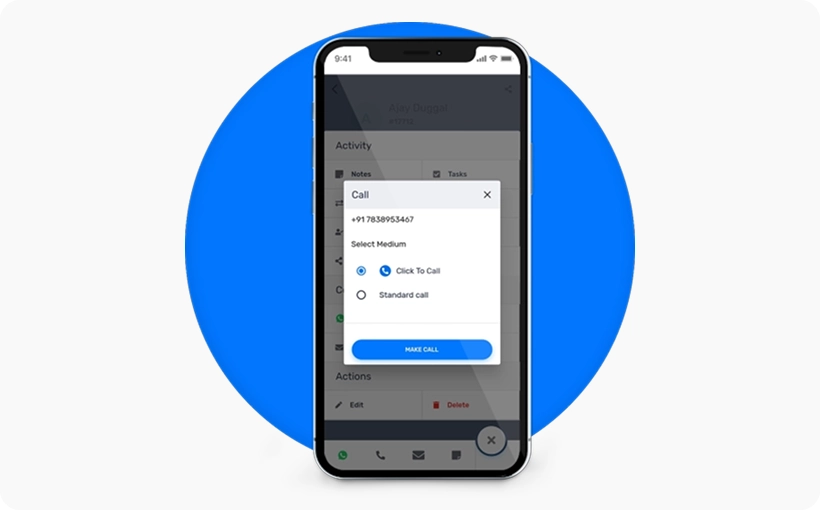
Connect with your leads and deals effortlessly in one click. Just click on the phone icon in Kylas to start making meaningful conversations with your clients.
Get in-app notifications for scheduled calls and stay on top of your client calls.
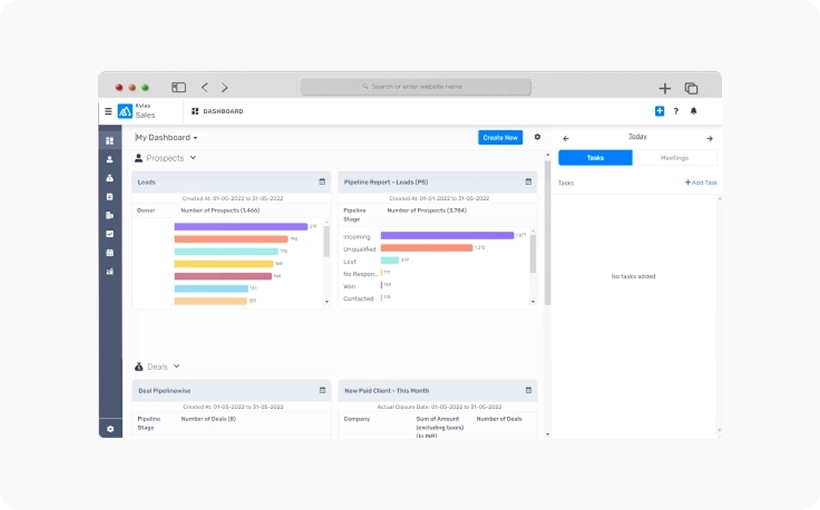
Keep track of all the calls that your sales team makes. Create follow-up tasks based on client discussions and keep the client engaged. Maintain manual call logs and ensure a record of offline calling activities.
Audit call recordings and evaluate your sales team's performance. Gather insights about your client's needs and challenges, improve your sales pitch and take timely measures to improve your team's selling skills.
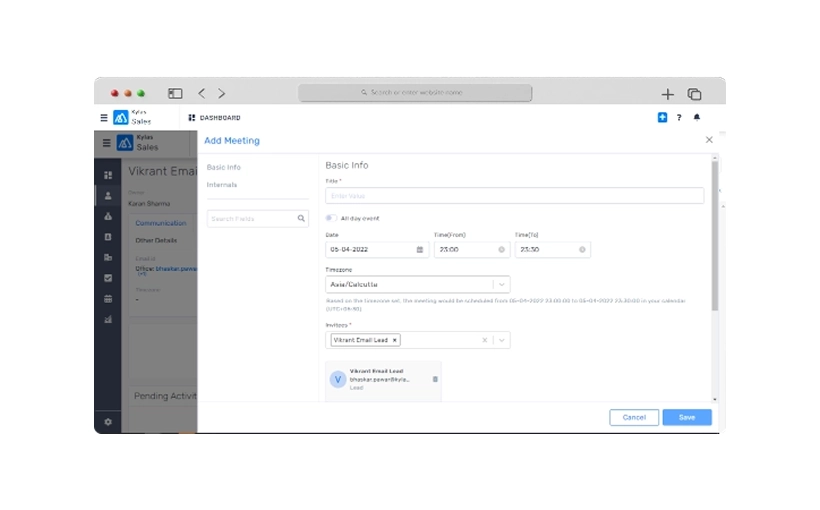
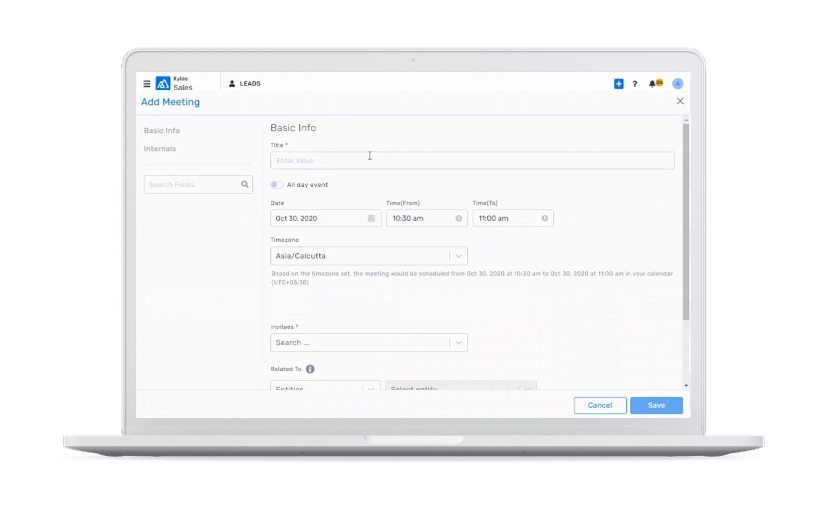
Schedule a follow-up task or set up an appointment right after every sales call. Continue conversations contextually without any hiccups.
Sell from anywhere using Kylas Mobile App. Add leads, make and receive phone calls, schedule meetings and tasks from your device and become productive!